

Actions and fields
Clicks, focus, input and submits, with the labels, form context and stable selectors around them.
WORK / TOOLING IN DEVELOPMENT
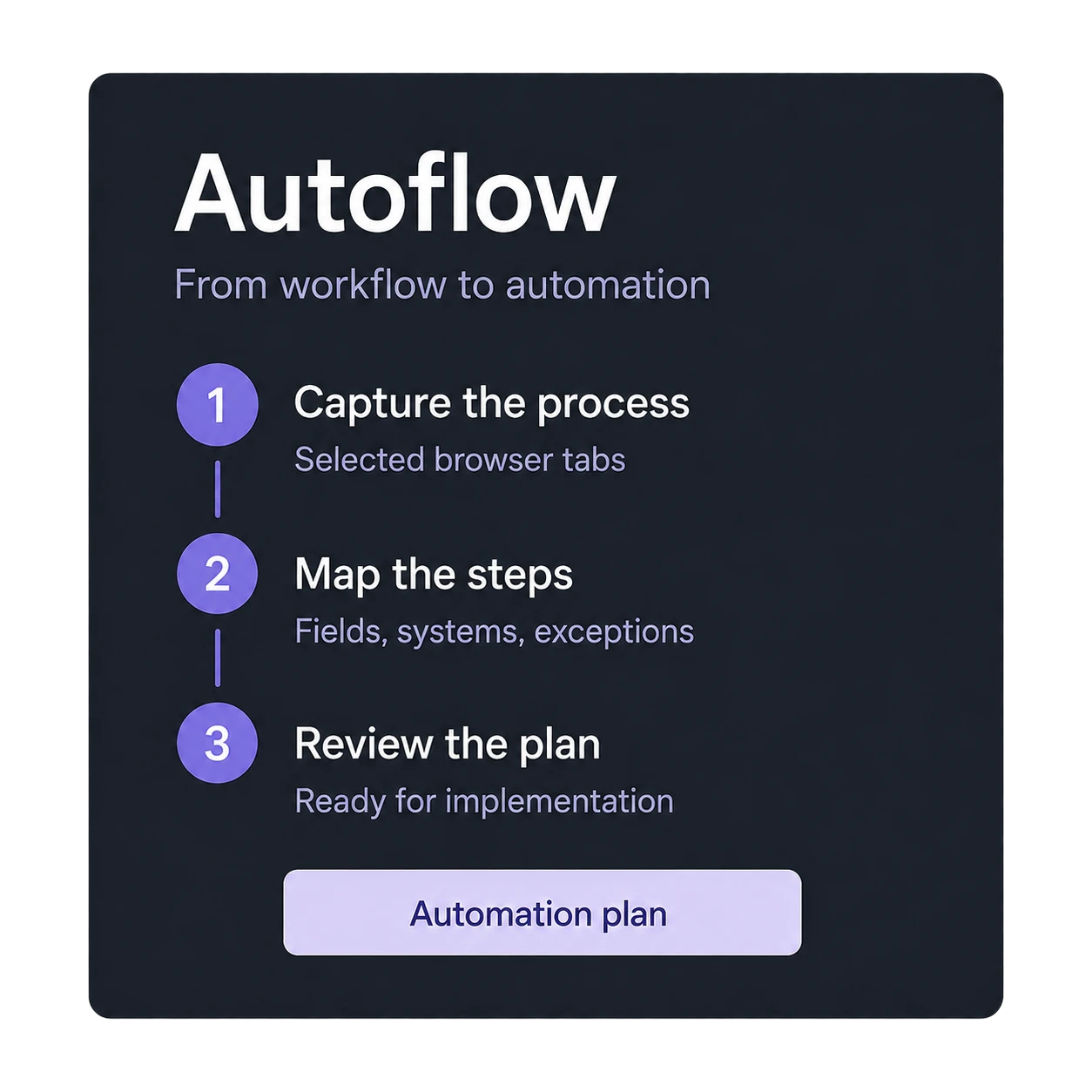
Autoflow records authorised work in selected browser tabs, matches each click and keystroke with the network calls and screenshots behind it, and produces a plan an engineer can review before anything is automated.
WHY IT EXISTS
Many organisations still run on dozens of third-party portals. Staff open an email, log in, copy details into an internal system, upload documents and mark the source item complete, all day. The logic lives in habit, hidden API calls and undocumented forms. Automating it has meant an engineer sitting beside the operator, guessing from browser developer tools and writing fragile scripts.
WHAT IT CAPTURES
Screenshots alone cannot prove how a workflow works. Autoflow records the structured evidence around each action so mappings can be proven rather than guessed.
Clicks, focus, input and submits, with the labels, form context and stable selectors around them.
The requests and responses behind each action, with timing and the values that mattered, redacted by policy.
Where a value came from and where it went, so the movement of data between systems is recorded, not inferred.
Before and after important steps, linked to the action and the request they belong to.

Illustrated product view. Example data.
FROM EVIDENCE TO AUTOMATION
An authorised operator does the work normally in selected tabs, with recording clearly visible.
Actions, requests, clipboard events and screenshots are matched into one timeline and a graph of how values move between systems.
Repeated steps, field mappings, transformations and success markers are found by exact matching before any AI model is involved.
A model receives a compact evidence bundle and drafts a neutral specification: sources, targets, steps, validations, confidence per mapping and open questions.
An engineer reviews the plan. It is then compiled into the safest option, direct API calls, browser automation or a hybrid, with monitoring and a human fallback.
BUILT FOR SAFE CAPTURE
Capture runs only in selected tabs under an agreed policy. It never records general browsing.
Recording state is always shown, with pause and stop in reach.
Secrets and sensitive values are redacted or hashed by policy, with retention rules set per project.
Every event carries its source, policy and redaction state, so the evidence can be trusted later.
CURRENT STATUS
Autoflow is being built as tooling for Vectorfy integration work: a browser extension, an ingestion service, an evidence viewer and the mining pipeline. If your team copies work between browser-based systems, contact us about an early pilot.
Ask about an Autoflow pilotIllustrated product view. Example data.
Next project: Conversation Insights

